In short
- Stop using the drive immediately: no new files, no reinstall, no 'repair'.
- A quick format on a hard drive, USB stick or card is usually recoverable; a full format on Windows 8 or later is not.
- SSDs with TRIM erase formatted data within seconds, so time matters most there.
Stop writing to it
A format creates a new, empty file system. The old files are still on the media, but the drive now considers that space free. Every new file, every update, every thumbnail written to the drive can land on top of the old data. Unplug it, or if it is the system drive, shut the computer down.
Quick format or full format?
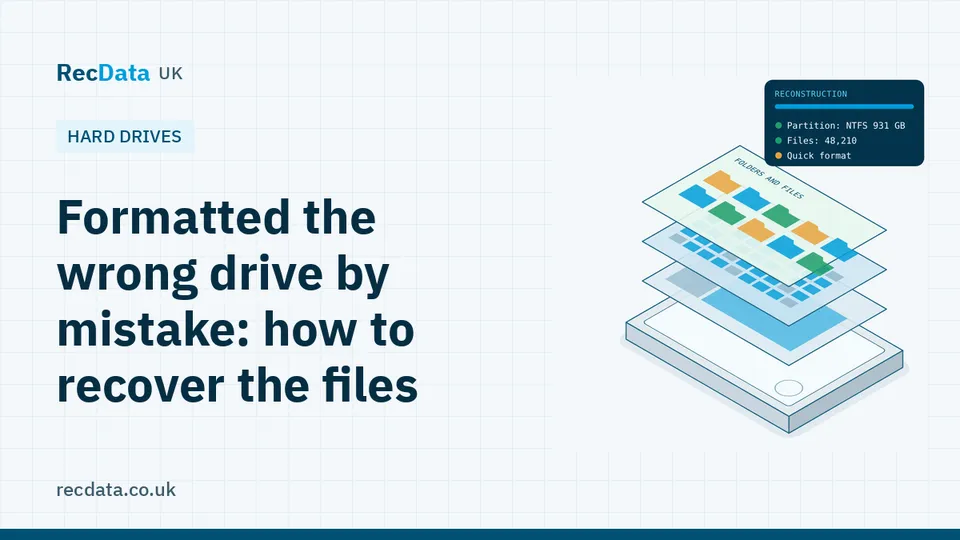
- Quick format (the default in Windows, macOS and cameras): only the file system structures are recreated. The data is untouched and a recovery usually gets most files back, often with their names and folders.
- Full format in Windows Vista and later writes zeros over the whole volume, as Microsoft documents. After a full format on a hard drive, the data is gone.
- macOS erase with a security option, or a camera's "low-level format", also overwrite the data.
Why SSDs are a special case
When an SSD is formatted, the operating system sends a TRIM command telling the drive which blocks are no longer used. The SSD's controller then erases those blocks in the background, often within seconds or minutes. A formatted SSD in a running computer is very often unrecoverable. If you notice the mistake immediately, shut down at once: the sooner the drive loses power, the better the chances.
What a recovery does after a quick format
The new file system is ignored. Instead, the recovery looks for the remains of the old one (the NTFS master file table, the FAT tables, the APFS or HFS+ catalogue) and rebuilds the folder tree from them. When those structures were overwritten, files are found by their content signatures, which brings back photos, documents and videos without their original names.
Software or a lab?
Recovery software is reasonable when the drive is healthy, the format was quick, nothing important was written afterwards and the files are not critical. Always install it on another drive and save the results to another drive. Choose a lab when the drive is also failing, when the files matter (business records, the only copy of family photos), when Windows was reinstalled on top, or when a first attempt with software did not find what you need.
Our services for each kind of media: hard drive data recovery, USB flash drive data recovery and SD card data recovery.
Frequently asked questions
Can files be recovered after a full format?
On a hard drive formatted in full by Windows Vista or later, no: the volume has been overwritten with zeros. On older systems, or with some cameras and memory cards, a 'full' format may only test the media, so it is worth a diagnosis.
I reinstalled Windows on the formatted drive. Is it too late?
Not entirely. The installation overwrote part of the drive, usually the beginning. Files stored further along are often still recoverable, but every extra boot of the new installation reduces what can be saved.
Official sources and useful links
- Microsoft Support: Official Windows help: Recycle Bin, File History, disk tools.
- Apple Support: Official help for iPhone, iPad and Mac: backups, iCloud, Time Machine.
Is your data important?
Do not try anything that could make the fault worse. The diagnosis is free and you get a fixed quote before any work starts.