In short
- Try another cable, port and computer before anything else, and listen to the drive.
- Never accept 'You need to format the disk' or 'Initialise disk'.
- Clicking, beeping or a drive that was dropped means switch off and get a diagnosis.
Safe checks, in this order
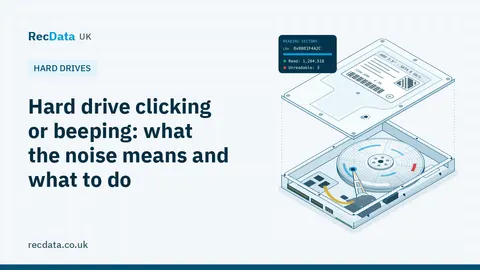
- Listen. A gentle spin-up is normal. Clicking, beeping or scraping means a mechanical fault: stop here and read Hard drive clicking or beeping: what the noise means and what to do.
- Change the cable. USB cables fail more often than drives. Use a short, good-quality cable, ideally the original.
- Change the port. Plug directly into the computer, not into a hub or a keyboard, and try a USB port on the back of a desktop PC.
- Give it power. Some 2.5-inch drives draw more current than a laptop port supplies. A Y-cable or a powered hub can help.
- Try another computer, if possible running a different operating system.
- Look in the disk tools. In Windows, open Disk Management; on a Mac, open Disk Utility. Note what you see, but change nothing.
Prompts you should always refuse
- "You need to format the disk in drive E: before you can use it."
- "Initialise disk" in Disk Management.
- "The disk you inserted was not readable by this computer" followed by Initialise on a Mac.
- Any offer to "scan and fix" the drive.
Each of these writes to the drive. A format or initialisation replaces the structures that recovery depends on.
Signs the drive itself has failed
- The drive appears with the wrong capacity, or as an unknown device.
- It shows up, then disappears after a few seconds or minutes.
- Opening a folder takes minutes, or copying stops at the same file every time.
- It was dropped, even from a short height, while it was running.
Encrypted drives and soldered connectors
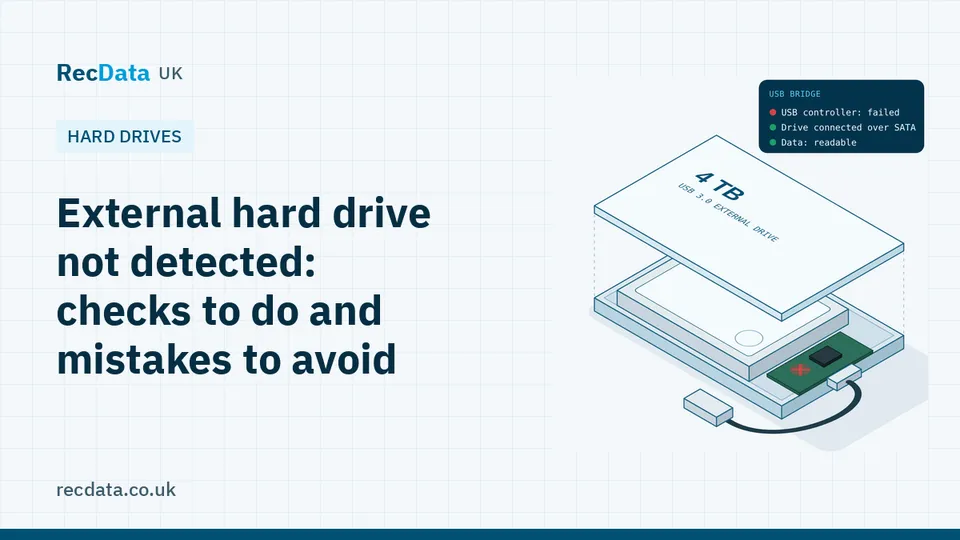
Many WD My Passport and some Seagate and LaCie models encrypt data with a chip on the USB board. Taking the drive out of its case and connecting it directly shows only scrambled data, and a replacement board will not decrypt it. Some models also have the USB connector soldered to the drive itself. In both cases the original board is needed for recovery, so keep everything together.
When to send it to a lab
If the checks above did not bring it back, or if any sign of failure appeared, stop trying. A lab diagnosis is free with us, and the courier picks the drive up anywhere in the UK. Details are on hard drive data recovery.
Frequently asked questions
The drive appears in Disk Management but asks to be initialised. What should I do?
Cancel. The partition information can no longer be read, either because of a fault in the drive or in its USB board. Initialising writes a new partition table over the old one. Leave it as it is and have it diagnosed.
Can I take the drive out of its enclosure and connect it directly?
Only if you know the model is not hardware-encrypted and the connector is a standard SATA one. Many WD and some Seagate drives encrypt the data on the USB board, so the bare drive shows nothing readable.
Official sources and useful links
- Microsoft Support: Official Windows help: Recycle Bin, File History, disk tools.
- Apple Support: Official help for iPhone, iPad and Mac: backups, iCloud, Time Machine.
Is your data important?
Do not try anything that could make the fault worse. The diagnosis is free and you get a fixed quote before any work starts.