In short
- 'Degraded' means redundancy is gone but the data is readable; 'Crashed' means DSM can no longer mount the volume.
- Do not use Repair or Online Assemble until every disk has been copied, and never initialise the pool.
- Synology stacks mdadm, LVM and Btrfs or ext4: a lab rebuilds each layer from disk images.
Reading the status correctly
- Healthy: everything is fine.
- Degraded: one disk (or two on SHR-2 and RAID 6) is missing or failing. The files are still accessible, but there is no safety margin left. This is the moment to copy the important data elsewhere, before anything else.
- Read-only: DSM detected file system damage and stopped writing to protect what is there. Copy the data off; do not try to switch it back to read-write.
- Crashed: the volume can no longer be mounted. The cause can be one disk too many, a damaged file system, or metadata that no longer agrees between disks.
Synology's own Knowledge Center describes each status and the official repair procedures. Those procedures assume healthy disks, which is precisely what you cannot be sure of when a volume has crashed.
Three layers under one volume
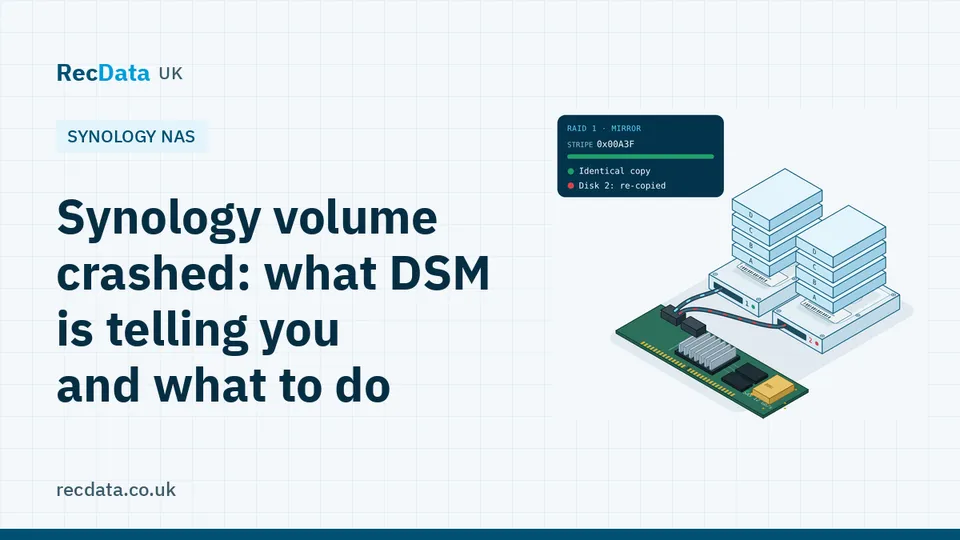
A Synology volume is built in layers. At the bottom, Linux mdadm groups partitions from every disk into RAID arrays (SHR is simply several mdadm arrays joined together). In the middle, LVM combines them into one pool. At the top sits the file system: Btrfs on most current models, ext4 on older or smaller ones. A crash can start in any of the three layers, and a repair aimed at the wrong one can damage the others.
When Repair does more harm than good
The Repair button rebuilds redundancy onto a replacement disk. If one of the remaining disks has weak sectors, the rebuild stresses it for hours and can tip a recoverable situation into a much harder one. Online Assemble, offered when a disk reappears, forces a disk back into the array: if it left some time ago, its out-of-date data gets mixed into the volume.
Mistakes that make recovery harder
- Removing and reinserting disks to "see if it comes back".
- Initialising the pool or reinstalling DSM because the wizard suggests it.
- Moving the disks into a different Synology model without knowing the migration rules.
- Running recovery software that writes to the disks, or mounting them in Windows, which offers to initialise them.
- Pulling the power while DSM is still running a task.
How we recover a Synology volume
Each disk is imaged first. On the images we reassemble the mdadm arrays using the event counters and superblocks, rebuild the LVM layer, then read the file system. Btrfs is copy-on-write, so earlier versions of its metadata often survive and can be used when the current tree is damaged (the Btrfs documentation explains the structure). Encrypted shared folders can be recovered when you provide the key or the password.
Old units that no longer boot
On older DiskStation models, a power supply or motherboard failure stops the unit from starting while the disks are perfectly fine. The data can be read from the disks without the enclosure; a replacement enclosure is only worth considering once the files are safe.
The wider picture, including protection against power cuts, is in NAS failures and data recovery: the complete guide. Our lab service for these units is described on Synology NAS data recovery.
Frequently asked questions
Is my data gone if Synology says the volume has crashed?
Usually not. 'Crashed' means DSM cannot mount the volume. The files are normally still on the disks and can be read once the layers underneath are rebuilt from copies of the disks.
Can I read Synology disks in a Windows PC?
Not directly. Windows does not understand mdadm, LVM or Btrfs and will offer to initialise the disks, which you must refuse. Linux can read them, but only if the arrays are assembled correctly and read-only.
Do you need the Synology unit itself?
No, the disks are enough. Please number them in slot order. Our free courier pickup collects them anywhere in the UK, or you can drop them at Cardiff, Birmingham or London by appointment.
Is your data important?
Do not try anything that could make the fault worse. The diagnosis is free and you get a fixed quote before any work starts.