In short
- 'Inactive' means the NAS could not assemble or mount the pool; the files are usually still on the disks.
- Find out first whether the unit runs QTS (mdadm, LVM, ext4) or QuTS hero (ZFS).
- Copy the disks before any Recover, Scan or Remove operation.
Two systems, two structures
QTS
On QTS, each RAID group is a Linux mdadm array. The arrays are combined with LVM (thin or thick provisioning) and the volumes are formatted ext4. An inactive pool usually means that one RAID group could not be assembled, often because a disk dropped out or the metadata on one disk no longer matches the others.
QuTS hero
QuTS hero uses ZFS. The pool, its redundancy and its file systems are all managed by ZFS, which has no separate RAID layer to rebuild. Recovery means importing the pool from copies of the disks, sometimes rolling back to an earlier consistent transaction group, as described in the OpenZFS documentation.
Why pools go inactive
- A disk failed or was disconnected and the RAID group no longer has enough members.
- A firmware update or an interrupted reboot left the metadata inconsistent.
- An unexpected power cut during writes, especially without a UPS (see Power cuts and surges: how to protect drives, NAS and servers).
- A thin-provisioned pool that ran out of space.
- Ransomware such as Qlocker or DeadBolt, which encrypts files and can leave the NAS in an odd state. QNAP lists known vulnerabilities on its security advisories page, and our Ransomware attack: what to do now, who to tell in the UK and how to recover covers the reporting side.
Safe checks you can do yourself
- Write down the exact message, the firmware version and the order of the disks.
- In Storage & Snapshots, look at the status of each disk (Good, Warning, Error) without changing anything.
- Check that the unit is not overheating and that every disk is seated properly, then leave it switched off.
What not to do
- Do not run "Recover" on the pool or the RAID group until every disk has been imaged.
- Do not remove a disk and reinsert it to trigger a rebuild.
- Do not create a new pool or initialise the NAS, even if the wizard suggests it after a reset.
- Do not move the disks to another QNAP model and let it "repair" them.
How we recover the data
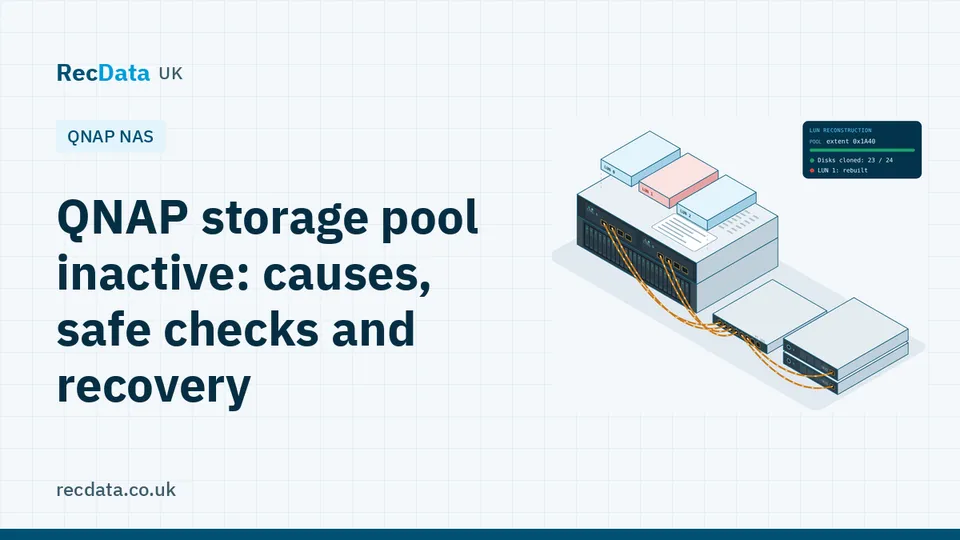
Every disk is imaged first. For QTS, we reassemble the mdadm arrays, rebuild the LVM layout (including thin provisioning maps) and extract the ext4 volumes. For QuTS hero, we import the ZFS pool read-only from the images and roll back to the last consistent state if needed. You receive a file list before you decide. Details of the service are on QNAP NAS data recovery, and if a rebuild had already started, read RAID 5 rebuild failed: how to stop the damage and get the data back.
Frequently asked questions
Does 'Inactive' mean my files have been deleted?
No. It means the NAS could not assemble or mount the pool. The data is normally still on the disks, as long as nobody initialises the pool or starts a rebuild on a weak disk.
Is the Recover button in Storage & Snapshots safe?
Only when every disk is healthy, which is rarely certain at that point. If one disk is weak, the recovery can fail half way and leave the metadata worse than before. Image the disks first.
Is your data important?
Do not try anything that could make the fault worse. The diagnosis is free and you get a fixed quote before any work starts.