In short
- Typical signs: missing in BIOS, a name like SATAFIRM S11, a capacity of 0 or a few MB, or a read-only drive.
- Do not update the firmware, secure erase or reinitialise the drive, and limit power-on attempts.
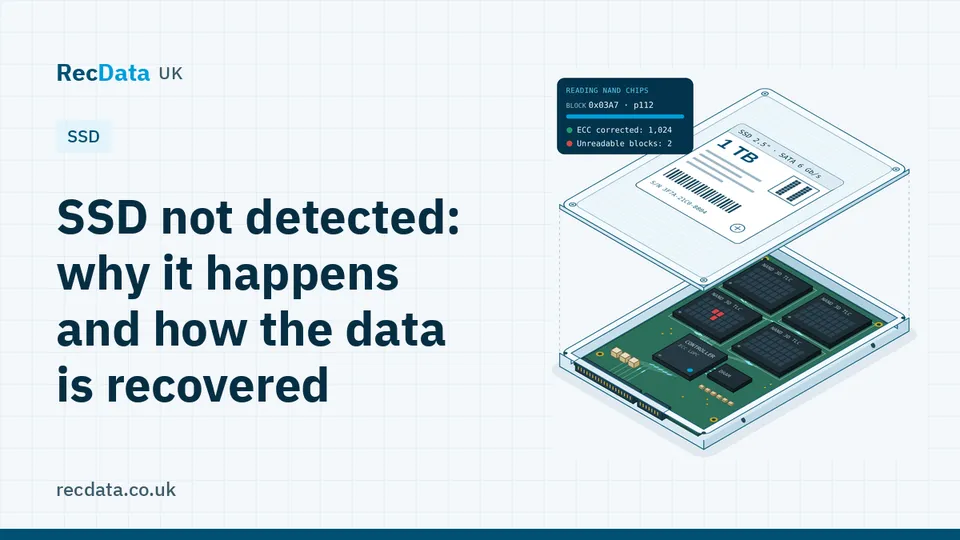
- Recovery repairs the controller or its translation tables, or reads the NAND chips directly.
Symptoms that point to the controller
- The drive does not appear in the BIOS/UEFI or in the disk tools.
- It appears under a generic or factory name, such as SATAFIRM S11 on Phison-based drives.
- It shows a capacity of 0 bytes, 1 GB or a few megabytes.
- The computer freezes during start-up or takes minutes to boot.
- The drive has switched itself to read-only, or files open as garbage.
Why it happens
An SSD keeps a translation table that maps the logical addresses seen by the computer to the physical pages in the NAND chips. That table changes constantly. A power cut at the wrong moment, a firmware bug, worn-out NAND or a failed component can corrupt it, and the controller then refuses to present the drive or drops into a factory mode. Sudden power loss is a common trigger, which is why our Power cuts and surges: how to protect drives, NAS and servers guide matters for SSDs too.
What not to do
- Do not update the firmware. Most updates reset the translation table.
- Do not run a secure erase or "initialise" from the manufacturer's toolbox.
- Do not keep power-cycling the drive. Some controllers run maintenance on every start-up, and TRIM can erase data that was marked free.
- Do not put the SSD in a USB enclosure from another brand to "test" it, especially for NVMe.
How SSD data is recovered
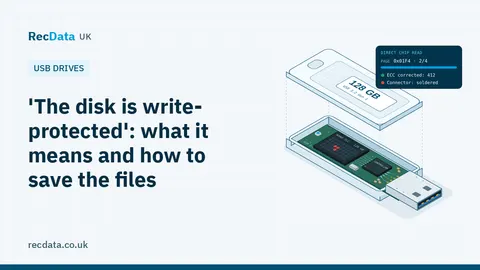
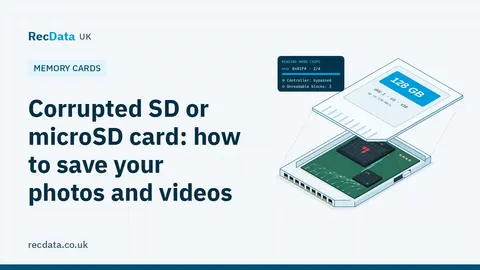
Where the controller is supported, the lab puts it into a technological mode, rebuilds the translation table in memory and images the drive without letting it run its own housekeeping. Where the controller is dead, the NAND chips can sometimes be read directly and the data reassembled by reproducing the controller's scrambling, error correction and wear levelling. Hardware encryption, used by many modern drives, limits what is possible without the original controller, so the drive must be sent complete.
NVMe drives and soldered storage
M.2 NVMe drives behave the same way as SATA SSDs, with smaller and denser chips. Recent MacBooks and many ultrabooks have storage soldered to the motherboard and encrypted by the security chip; in that case the data can only be recovered by bringing the original board back to life. Our SSD and NVMe data recovery and Mac, MacBook and iMac data recovery pages explain the options.
Frequently asked questions
Is a dead SSD always recoverable?
No, but often. A corrupted translation table or a firmware fault is usually recoverable. Physical NAND damage, or a hardware-encrypted drive with a destroyed controller, can make recovery impossible. The free diagnosis tells you which case you are in.
Does SATAFIRM S11 mean my data is lost?
No. It means the Phison controller could not load its firmware and has fallen back to a factory mode. The data is usually still in the NAND, and the controller can often be brought back long enough to image the drive.
Official sources and useful links
- Microsoft Support: Official Windows help: Recycle Bin, File History, disk tools.
Is your data important?
Do not try anything that could make the fault worse. The diagnosis is free and you get a fixed quote before any work starts.