In short
- A cut during writes can corrupt RAID metadata, file systems and SSD translation tables.
- A surge destroys electronics, sometimes the drive's protection circuit, sometimes the whole board.
- A correctly configured UPS that shuts the NAS down cleanly is the best protection.
What a power cut does to storage
- NAS and RAID: if the power goes while data and parity are being written, the disks disagree with each other. After restart, the NAS may run a long resync, mark the volume degraded or refuse to mount it. See Synology volume crashed: what DSM is telling you and what to do and QNAP storage pool inactive: causes, safe checks and recovery.
- File systems: journaling limits the damage, but write caches in drives and controllers can still lose data that the system believed was saved.
- SSDs: the translation table that maps your data may be half updated. Some consumer SSDs come back with the wrong capacity or not at all, as explained in SSD not detected: why it happens and how the data is recovered.
What a surge does
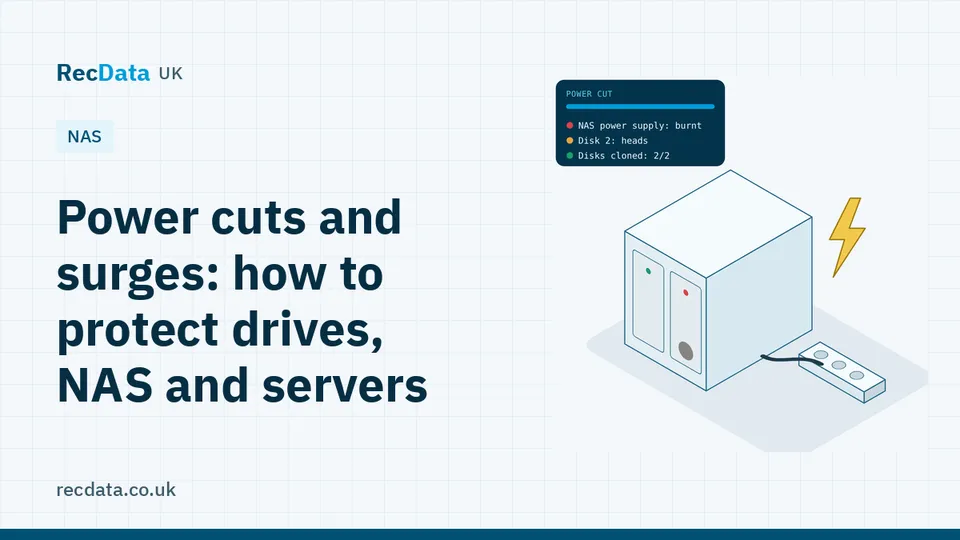
A spike on the mains or on a network cable reaches the power supply, then the drive's board. Many drives have a protection diode (TVS) that sacrifices itself and short-circuits: the drive then appears dead, but the data is intact. Stronger surges damage the motor controller chip or the preamplifier inside the drive, which needs lab work.
The right protection
A UPS, set up properly
An uninterruptible power supply only protects the data if the NAS or server knows when to shut down. Connect the UPS by USB or over the network, enable the UPS function in DSM, QTS or your operating system, and set the shutdown to start after a few minutes on battery. Test it once by switching off the mains. A line-interactive or online UPS also smooths out voltage variations.
Surge protection for everything else
Use surge-protected extension leads for computers and external drives, and remember the network: a surge can come through an Ethernet cable from the router. Electrical Safety First has practical advice on choosing and using extension leads safely at home.
Heat
A NAS in a cupboard next to a boiler or in a loft in summer ages its disks quickly. Keep it ventilated and check the disk temperatures in its interface.
During and after an outage
- To report or follow a power cut anywhere in Great Britain, call 105 or check Power cut 105. In Northern Ireland, contact NIE Networks.
- Wait for the power to be stable before switching on, then start the NAS first and check its logs before the computers reconnect.
- If a drive or NAS does not come back, do not try repeated restarts or a repair. Each attempt can make a corrupted volume harder to recover.
- If the outage was long, Ofgem explains the guaranteed standards and when your network operator owes compensation, and Citizens Advice can help with a claim for damaged equipment.
Our lab handles both cases: corrupted volumes on NAS data recovery, and drives with damaged electronics on hard drive data recovery.
Frequently asked questions
Is a UPS enough to protect my NAS?
Only if it is connected to the NAS and the automatic shutdown is configured and tested. A UPS that simply runs until its battery is empty ends with the same abrupt cut, just later.
My external drive stopped working after a power cut. Can the data be recovered?
Very often. A surge usually damages the board or its protection component, not the platters. A lab repairs the electronics, keeping the drive's unique calibration data, and copies the data. Do not try a replacement board yourself.
Official sources and useful links
- Power cut 105: Call 105 or check online to report or follow a power cut, anywhere in Great Britain.
- Ofgem: The energy regulator for Great Britain: your rights during power cuts and compensation.
- Citizens Advice: Free, impartial advice on consumer rights and disputes.
Is your data important?
Do not try anything that could make the fault worse. The diagnosis is free and you get a fixed quote before any work starts.